
In short
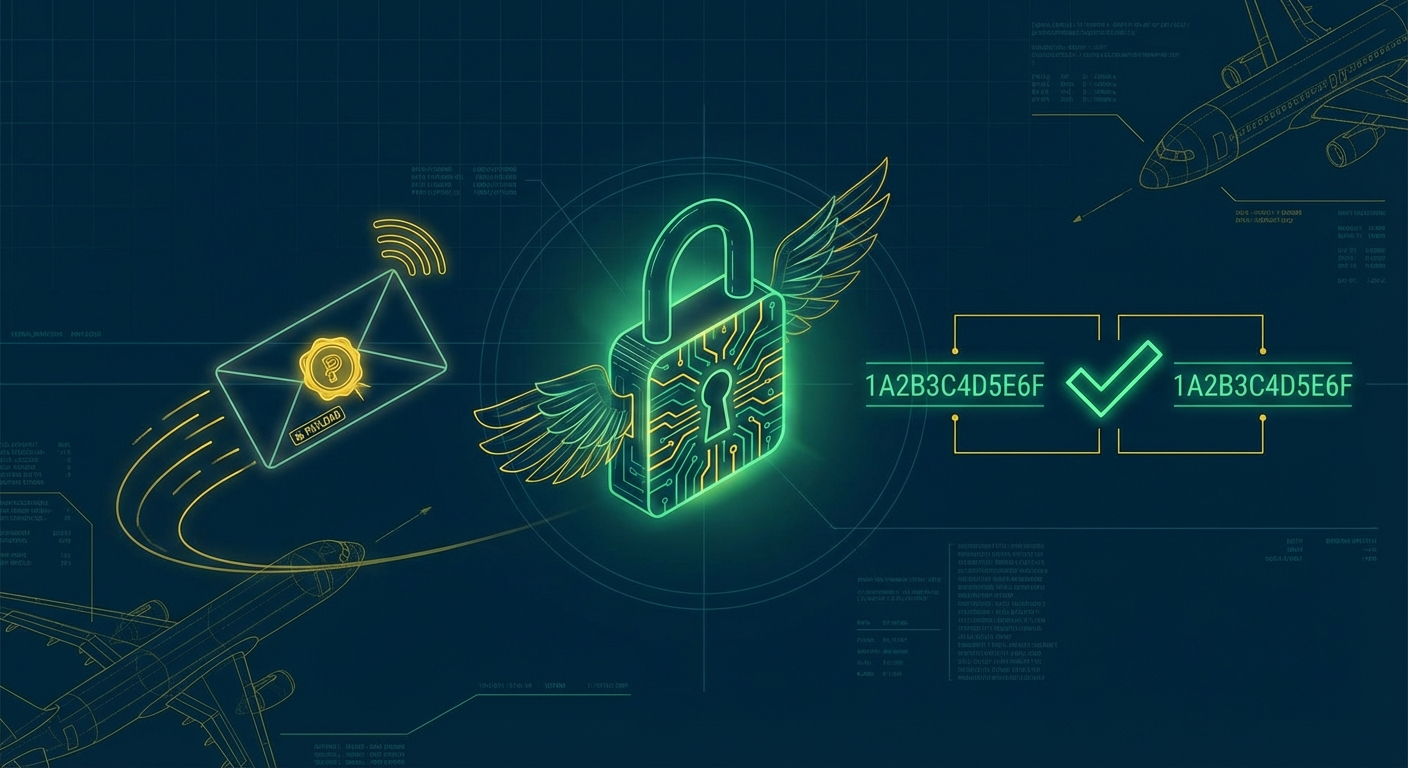
- Anyone on the internet can POST to your webhook endpoint. Signatures are how you know the payload is real.
- Most teams skip verification in local dev and never come back to add it in prod.
- HMAC-SHA256 is the standard. The implementation is 10 lines.
- Three mistakes break verification silently: parsing the body before reading it raw, using
==instead of constant-time comparison, and getting the header name or encoding wrong. - Hookwing signs every delivery automatically and gives you the signing secret on endpoint creation.
---
Your webhook endpoint is public. Anyone who knows the URL can POST to it. Without signature verification, you have no way to tell a real delivery from a spoofed one.
This is not a hypothetical. It is the kind of thing that lets someone trigger your support agent with a fake payment.failed event, or replay a transaction webhook from three days ago. Signatures close that gap.
The good news: it is a 10-line fix that most developers never get around to. Once you understand what is actually happening, it takes about five minutes to add.
---
1. How webhook signatures work
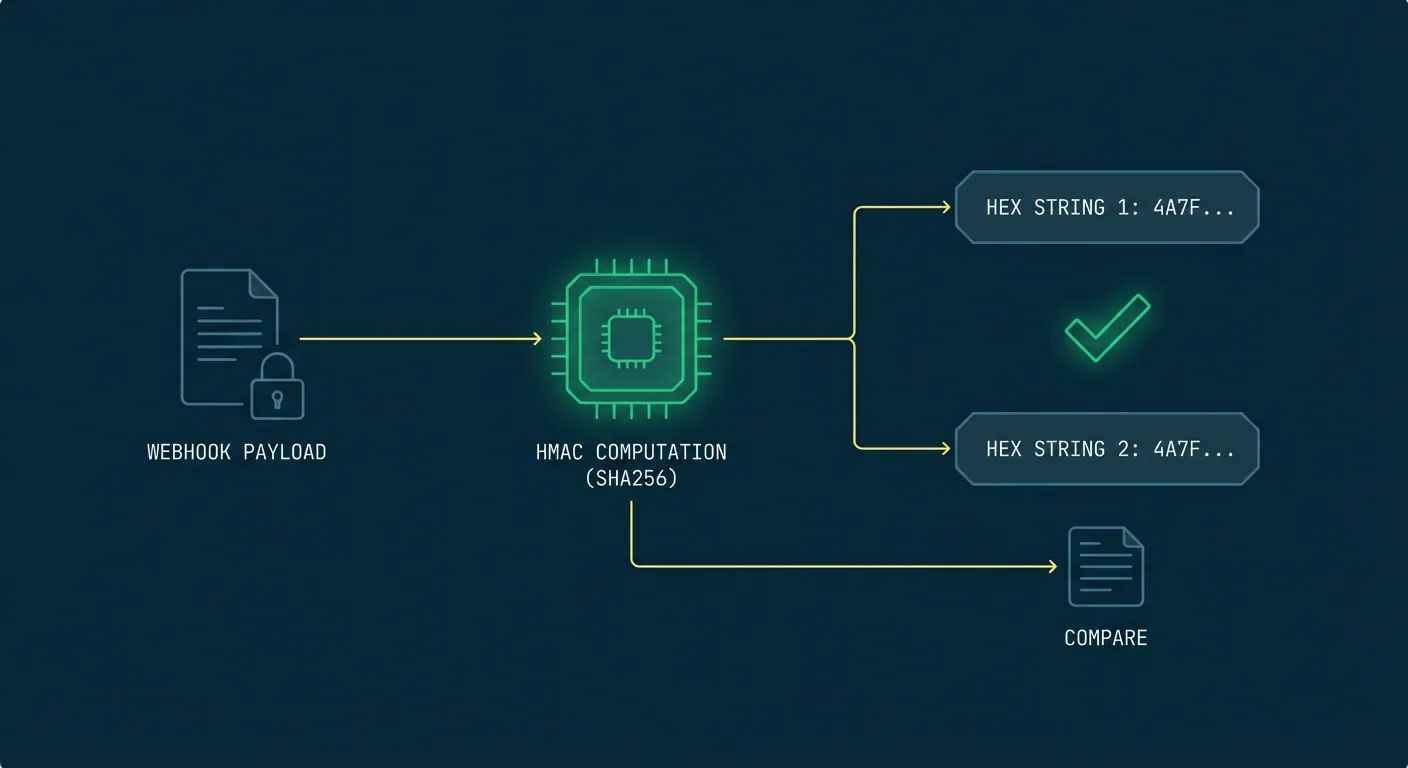
When Hookwing sends a webhook, it computes an HMAC-SHA256 signature over the raw request body using a signing secret shared between you and the platform. That signature travels in the request header as X-Hookwing-Signature.
On your end, you do the same computation with the same secret. If the results match, the payload came from Hookwing and has not been tampered with in transit. If they do not match, you reject it.
This is meaningfully different from API key authentication. An API key proves who is making a request. A webhook signature proves that the specific payload you received was not modified after it was signed. An attacker who intercepts the request without the secret cannot forge a valid signature, even if they know the endpoint URL.
---
2. The 10-line implementation
import hmac
import hashlib

def verify_signature(raw_body: bytes, signature_header: str, secret: str) -> bool:
    expected = hmac.new(
        secret.encode("utf-8"),
        raw_body,
        hashlib.sha256
    ).hexdigest()
    return hmac.compare_digest(expected, signature_header)
And in your route handler:
from fastapi import FastAPI, Request, Response

app = FastAPI()
WEBHOOK_SECRET = "your-signing-secret-from-hookwing"

@app.post("/webhooks")
async def receive(request: Request):
    raw_body = await request.body()
    sig = request.headers.get("X-Hookwing-Signature", "")

    if not verify_signature(raw_body, sig, WEBHOOK_SECRET):
        return Response(status_code=401)

    # Safe to process
    ...
Your signing secret is returned when you create an endpoint via the API. If you are using the dashboard, find it in the endpoint settings under "Signing secret".
For Node.js:
const crypto = require("crypto");

function verifySignature(rawBody, signatureHeader, secret) {
  const expected = crypto
    .createHmac("sha256", secret)
    .update(rawBody)
    .digest("hex");
  return crypto.timingSafeEqual(
    Buffer.from(expected),
    Buffer.from(signatureHeader)
  );
}
---
3. Three mistakes that break verification silently
These are the ones that do not throw an error. They just make every request fail with a 401 you cannot explain.
A. Parsing the body before reading it raw
Most web frameworks give you a parsed JSON object by the time your middleware runs. The problem is that JSON serialization does not guarantee byte-for-byte identity with the original. Whitespace, key ordering, and encoding can all shift slightly.
The signature was computed against the raw bytes. You need to read the raw bytes too.
In FastAPI, await request.body() gives you the raw bytes before any parsing. Use that. Do not call await request.json() first and then try to re-encode it.
B. Using == instead of hmac.compare_digest
String equality in Python (and most languages) short-circuits. It stops comparing the moment it finds a mismatch. That behavior leaks timing information an attacker can use to probe valid signatures one character at a time.
hmac.compare_digest (Python) and crypto.timingSafeEqual (Node.js) run in constant time regardless of where the strings diverge. Use them.
C. Header name or encoding mismatch
Hookwing sends the signature as a lowercase hex string in X-Hookwing-Signature. If your code is looking for X-Hookwing-Sig or expecting a base64-encoded value, the comparison will never match.
Check the exact header name in the Hookwing docs for your integration. When debugging, log both values before comparison so you can see exactly what you are getting.
---
4. Replay attacks: why timestamp validation matters
A valid signature does not mean the request is fresh. An attacker who captures a legitimate webhook can resend it hours later. The signature is still valid because the payload has not changed.
The fix is a timestamp check. Hookwing includes a X-Hookwing-Timestamp header with each delivery. Reject requests where that timestamp is more than five minutes old.
import time

def verify_timestamp(timestamp_header: str, tolerance_seconds: int = 300) -> bool:
    try:
        ts = int(timestamp_header)
    except (ValueError, TypeError):
        return False
    return abs(time.time() - ts) <= tolerance_seconds
Use this alongside signature verification, not instead of it. Signature verification proves the payload is genuine. Timestamp validation proves it is recent.
If you are processing events that must never execute twice, pair this with idempotency keys. The webhook idempotency checklist covers the full pattern.
---
5. Testing your verification setup
The easiest way to test is with Hookwing's local tunnel:
hookwing listen --port 8000This forwards real signed deliveries to your local server. You will get the actual X-Hookwing-Signature header, which lets you verify your implementation against a real signature rather than constructing test cases by hand.
To confirm your rejection logic works, temporarily use the wrong secret and make sure you get a 401. If you get a 500, your error handling needs work. A signature failure should always return 401, never expose a stack trace.
One more thing to check in staging: proxy servers and load balancers sometimes strip or rename custom headers. If verification works locally but fails in staging, compare the raw headers at each hop.
---
Verification is one layer
Signature verification proves a payload is genuine. It does not protect you from retries, duplicates, or misbehaving senders.
For the full reliability picture: webhook retry best practices covers what happens when your endpoint is unavailable, and the monitoring checklist covers how to catch delivery failures before your users do.
---
Build reliable webhooks with Hookwing
Hookwing helps you receive, route, retry, and monitor webhook events with clear delivery visibility and production-safe recovery workflows.
Start free. No 2FA, no CAPTCHA. Or go straight to the getting started guide and API docs.